Page Builder Migration

Your site is on WordPress, but the layouts belong to Elementor, Divi or WPBakery. We rebuild it on a lean custom theme your team can edit, and the URLs stay where they are.

The builder owns your layouts

Page builders made WordPress easy to design in. Many sites are still built that way, and some of them run well.

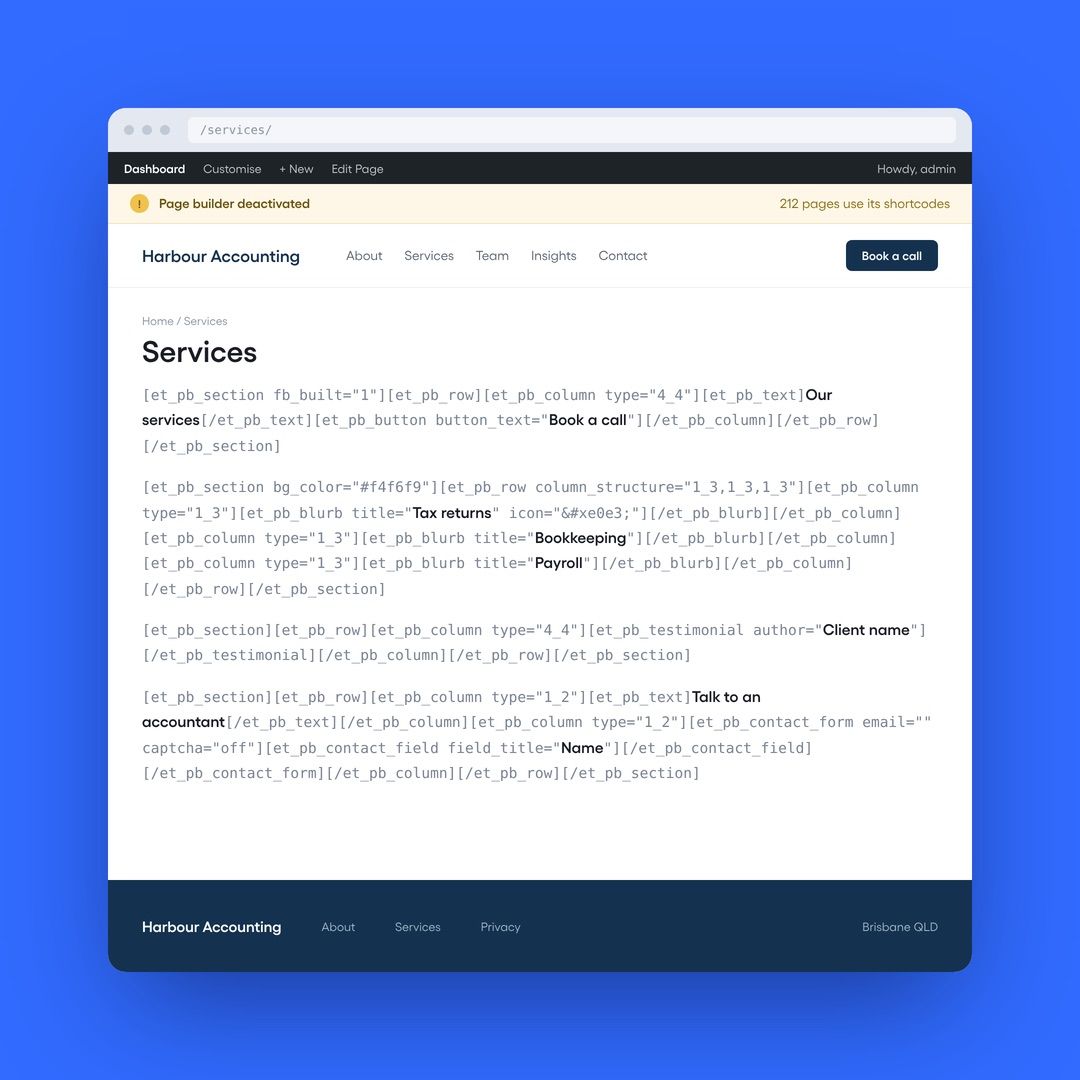
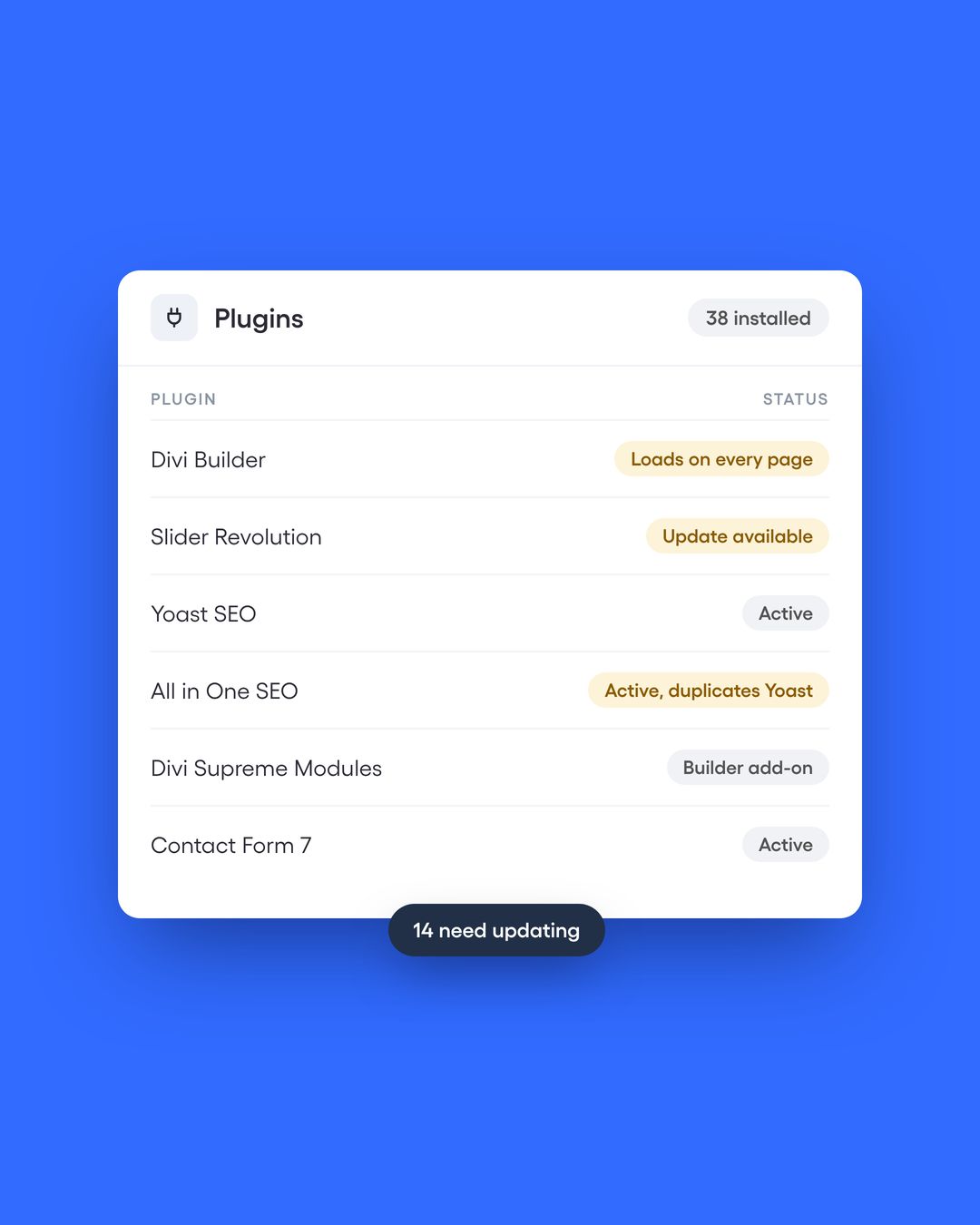
The trouble comes when the builder is the whole site. Divi 4 and WPBakery store every layout as shortcodes inside your content, so switching them off fills the pages with code in square brackets. Elementor keeps its layouts in its own data, and the site now mixes sections, containers and, since 2026, its new atomic elements. Add-on packs fill the gaps, each with its own licence and update.

Divi 5 now stores pages in a new format, so a Divi 4 site faces a conversion either way. That’s a good moment to decide whether the builder should stay at all.


Live page printing raw page builder shortcodes after the builder was deactivated

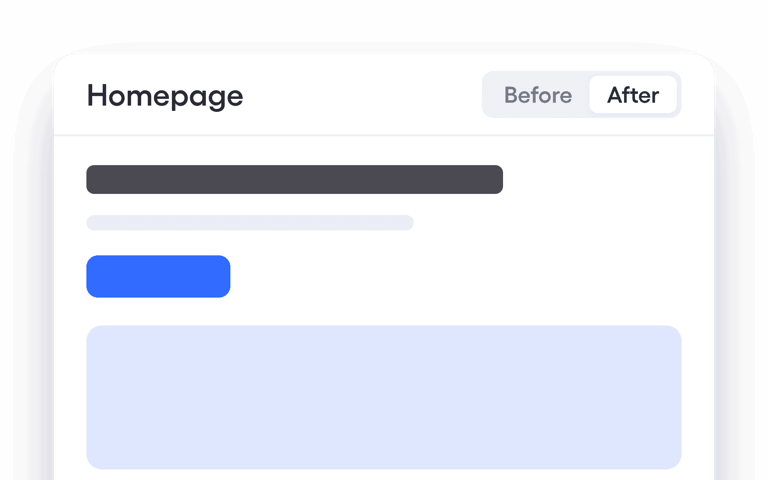
Same WordPress, a lighter build

Signs the builder is in charge

  • Editing feels risky

    Your team avoids changes because a drag in the wrong place breaks the page.

  • No two pages match

    Spacing, buttons and headings vary because each page was styled by hand.

  • You're facing Divi 5

    The Divi 4 site needs converting, and you'd rather do it once, properly.

  • The add-on list keeps growing

    Widget packs and extensions, each with its own licence to renew.

  • Pages are slow on mobile

    Google's speed scores in Search Console are amber or red, and tuning hasn't fixed them.

  • The design is fine

    You don't need a new look. You need the build underneath it to hold.

Trusted by businesses across Singapore and Australia

99.co
Arlou & Rose
Bio Channel
CADG
Channel V
99.co
Arlou & Rose
Bio Channel
CADG
Channel V
99.co
Arlou & Rose
Bio Channel
CADG
Channel V
Cold Chisel
Country Music Channel
Cuckoo
Cold Chisel
Country Music Channel
Cuckoo
Cold Chisel
Country Music Channel
Cuckoo

Rebuilt on a copy, switched in one go

Your live site carries on as normal. We rebuild a private copy alongside it and swap it in on launch day.

  1. 01

    Discovery

    Pages, templates, plugins, speed scores and Search Console data. We agree what stays and what goes.

  2. 02

    Plan

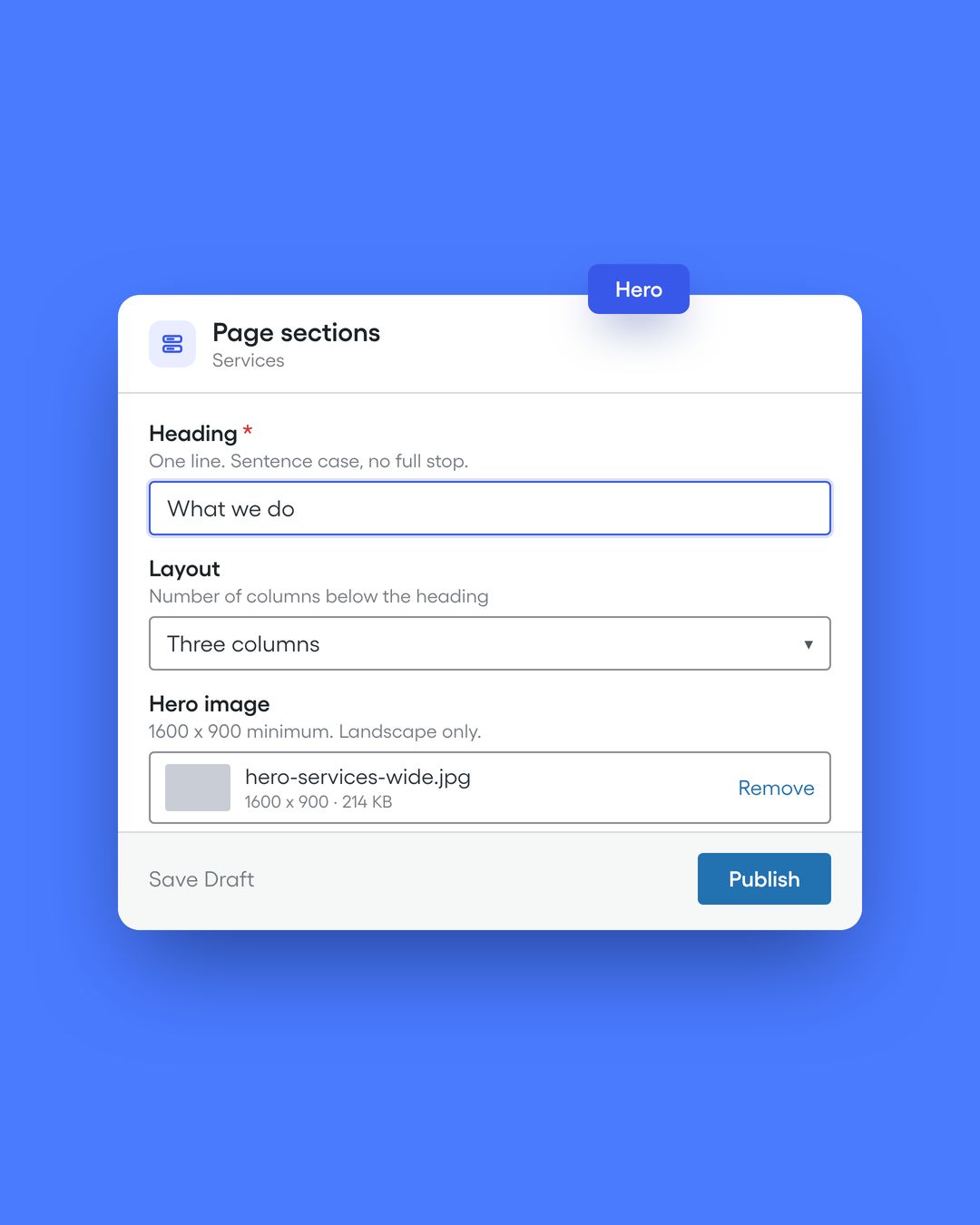
    A list of reusable sections, the editor for each page type and a plugin list cut to what's needed.

  3. 03

    Design

    The current look carried over and tidied, or refreshed. Two rounds of revisions on the homepage and two on inner pages.

  4. 04

    Build and migrate

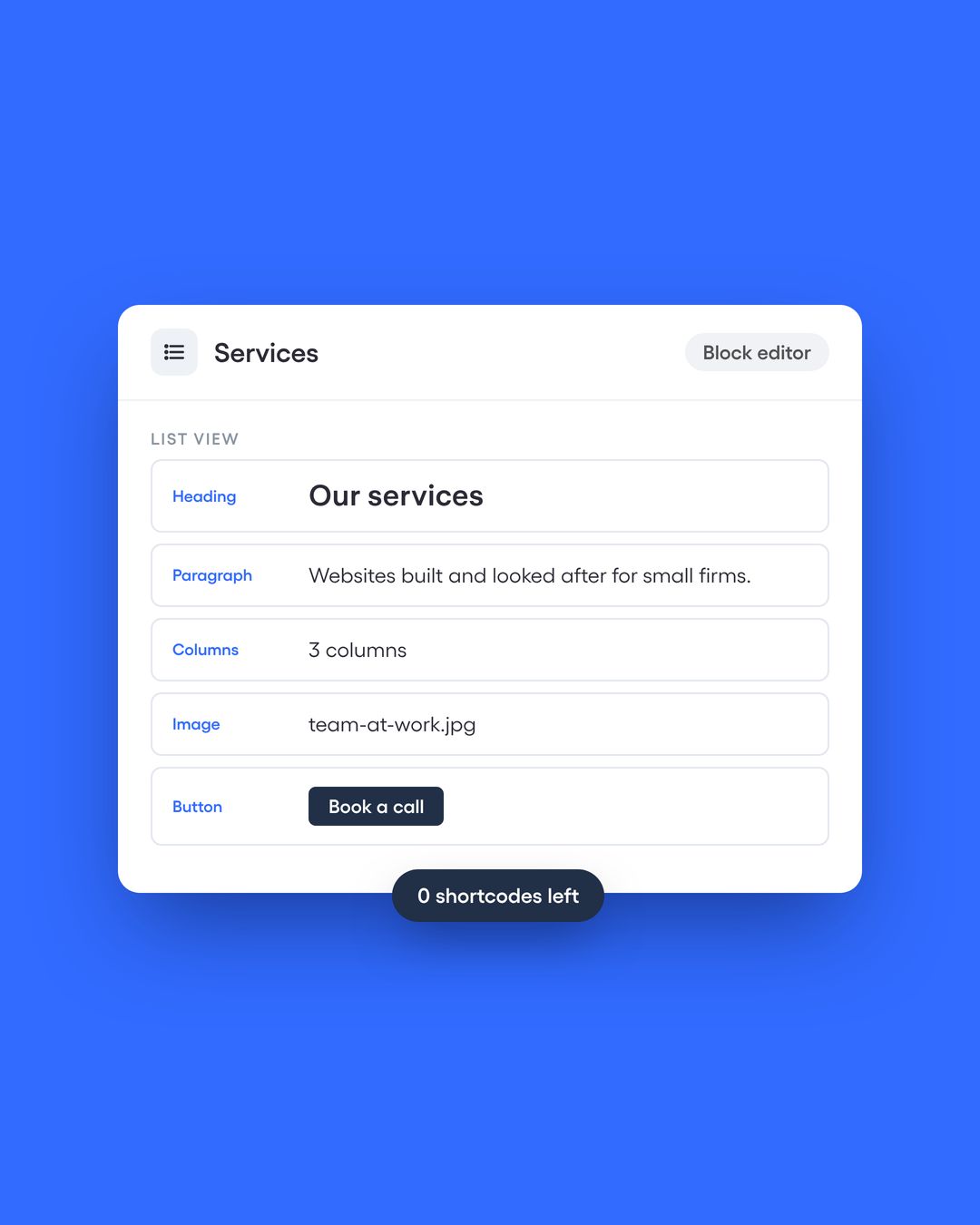
    Sections built, then content moved out of the builder's markup into blocks and fields.

  5. 05

    Test

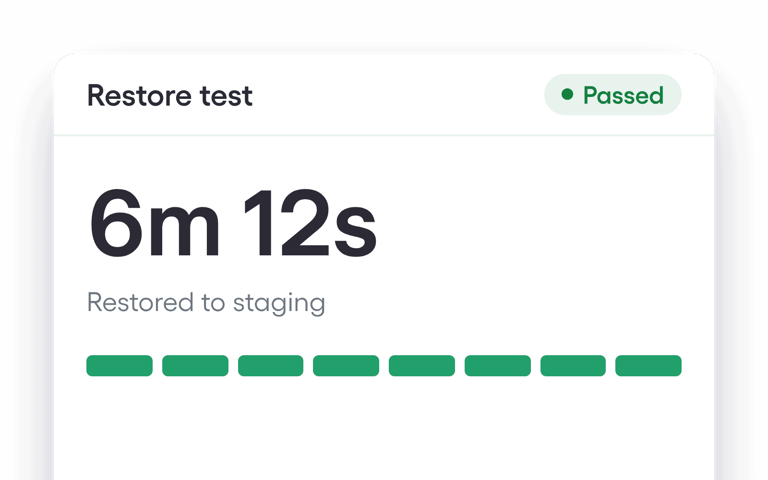
    Every page compared side by side with the old one, plus forms and speed checks.

  6. 06

    Launch and training

    The new build swapped in, the old builder switched off, and your team trained on the editor.

What's left once the builder is gone

  • A library of sections

    Every layout built once and reused, so new pages match the old ones.

  • Content in plain WordPress

    Standard blocks and fields that work with any theme you choose later.

  • An editor that can't break pages

    Fields and sections set up so a change stays where it's made.

  • A shorter plugin list

    Builder add-ons removed. The plugins left are ones the site uses.

  • Lighter pages

    A custom theme that loads what each page needs, served through caching and Cloudflare.

  • Care from $147 a month

    Updates, backups and security after launch, if you want us to look after it.

What a cleaner build looks like

  • 12 Unused plugins removed

    Swiss-Asia Financial Services, care audit (July 2020).

  • Since 2023 Same build, edited in-house

    International Cancer Specialists, live since 20 April 2023.

  • 8 to 12 weeks Typical timeline

    From discovery to launch for most rebuilds.

  • Have a project in mind?

Staying on WordPress keeps the change small

Your team keeps the admin, the login and the hosting if it's good. Only the build underneath changes.

  • Nothing new to learn

    The same dashboard and the same login, with a simpler editor inside it.

  • Blocks that outlast a plugin

    Standard WordPress content survives theme changes and builder updates.

  • Any developer can pick it up

    A documented custom theme in Git, with no proprietary layout data.

  • Room to grow

    Memberships, multilingual sites, stores and integrations slot in without a rebuild.

Before you switch off the builder

Where page builders work well

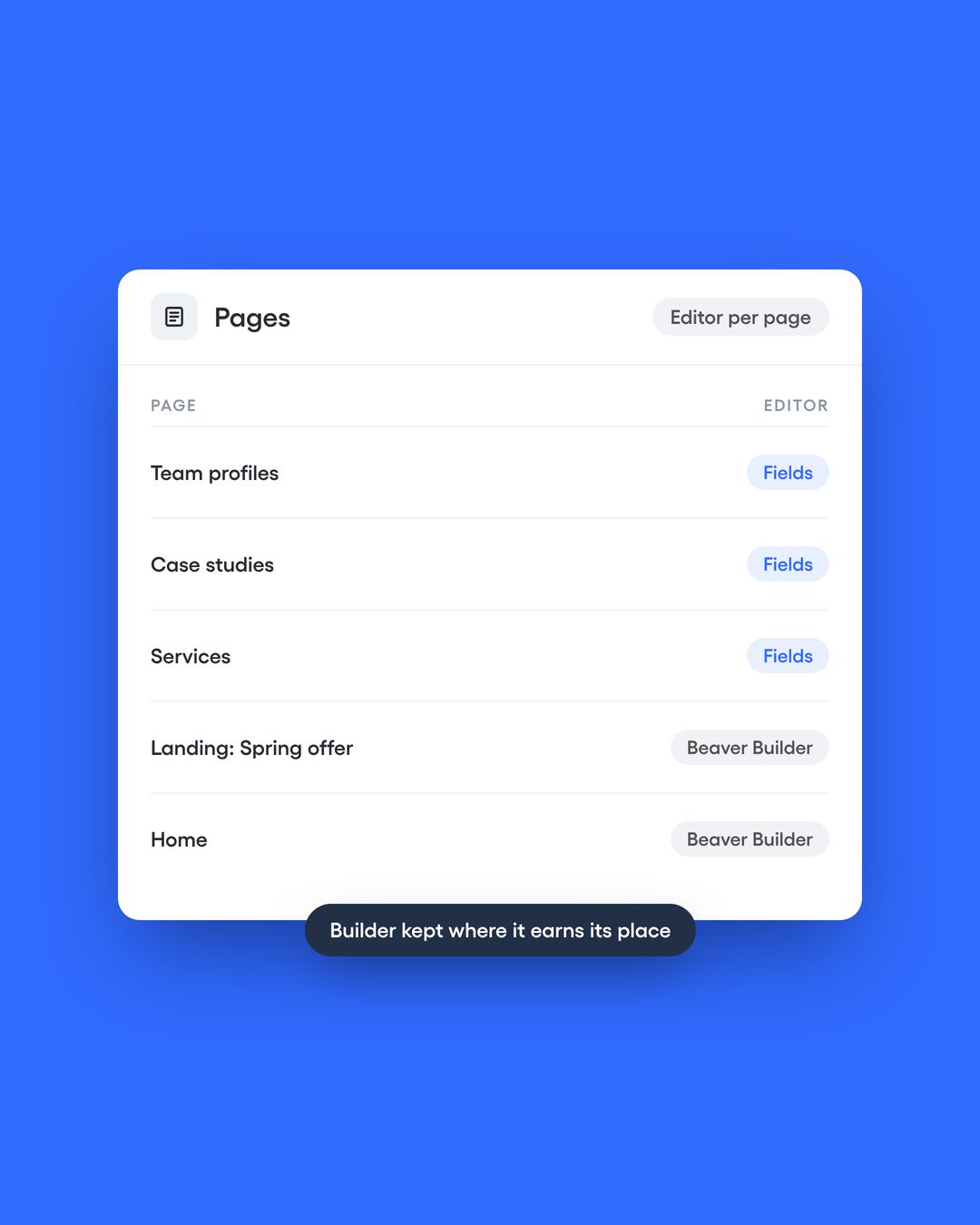
Beaver Builder is part of our own stack. A builder works well on top of shared sections and clear rules about what editors can change. It struggles when it’s the only thing holding the site together.

Switching it off in the right order

Don’t deactivate the old builder on the live site to see what happens. Shortcode builders leave every page full of square-bracket code. Rebuild on a copy first, move the content into blocks and fields, compare each page against the original, then launch. Switch the builder off last, and keep its licence until you’ve checked every template, popup and form it used to power.

Divi 5: convert or rebuild?

Divi 5 includes a converter that moves Divi 4 shortcodes into its new format, and older content runs in a compatibility mode until it’s converted. If the site works and the design holds, converting can be enough. If editing is already fragile, the conversion carries the same problems forward, and a rebuild costs less over the next few years.

What we rebuild with

Audit and discovery

  • Screaming Frog
  • Google Search Console
  • PageSpeed Insights and Core Web Vitals
  • plugin and template inventory

Build and content

  • Custom theme in Git
  • Advanced Custom Fields Pro
  • Beaver Builder and Beaver Themer
  • Tailwind CSS

Migration and SEO protection

  • Shortcode to block and field conversion
  • page-by-page visual comparison
  • URL checks and redirects
  • SEOPress

Performance and security

  • Cloudflare
  • Perfmatters with server-level caching (Nginx and Redis)
  • optimised hosting
  • image optimisation

Questions about leaving a page builder

The answers to your questions. Get in touch if you can't find what you're looking for.

Yes. We use Beaver Builder alongside ACF fields. What matters is that the builder sits on shared sections instead of holding the whole site.

Have a project in mind?
Let's chat!

Get in Touch